Sprinting
Sprint Training Log: What to Record and Why Video Proof Matters
A sprint log only helps if times can be compared. See what to record for every rep, why the timing method changes the number, and why video helps.
7 min read
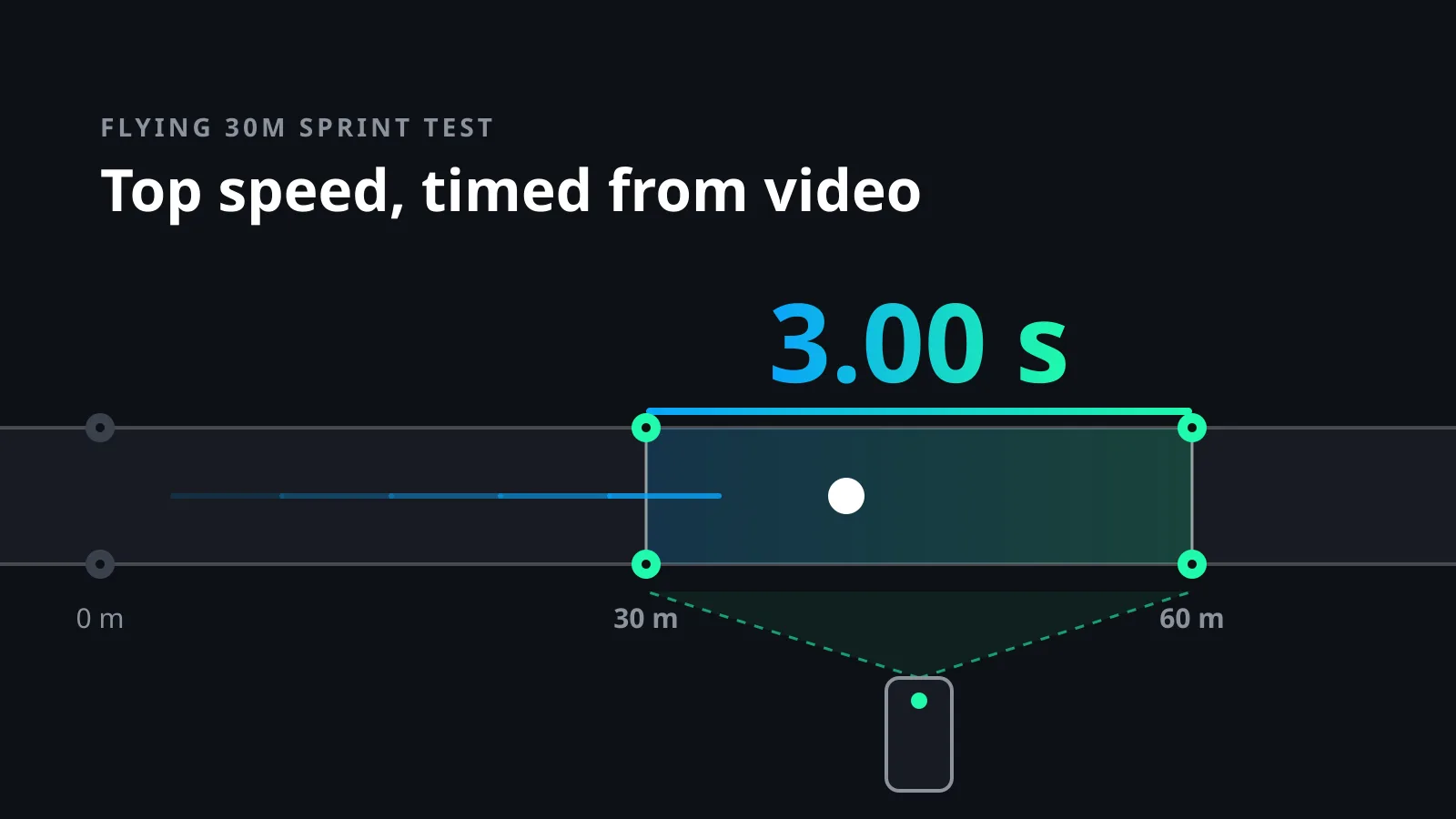
A flying 30m sprint test measures one thing: your top speed. You build up speed over a run-in, and the clock only runs over the next 30 metres. Starts, reaction time and the first heavy steps of acceleration are left out. What is left is about as close to pure maximum speed as a simple field test gets.
The hard part is the clock. Timing gates are expensive, and a stopwatch is far too rough for a run that lasts about three seconds. A phone filming in slow motion can do the job well, but only if you set it up right. This guide covers the setup, how to time the run from video frame by frame, what your time means, and how to keep results comparable across a whole season.
The common protocol, as described by Topend Sports in its flying 30m test guide, uses cones on a straight line at 0, 30 and 60 metres. The athlete accelerates through the first 30 metres and sprints flat out through the second 30. Timing starts when the torso passes the 30 m mark and stops when it passes the 60 m mark. Two trials are allowed, and the best one counts, recorded to two decimals.
The run-in can be adjusted to the athlete. The same guide notes that slower athletes may only need 20 or 25 metres to reach top speed, while top-class sprinters may need more. Pick a length that suits you and keep it. If you change it later, you change the test.
Turning the time into speed is simple: divide 30 by your time. A flying 30m in 3.00 seconds is 10.0 metres per second, which is 36 km/h. For scale, Usain Bolt's top speed in his 9.58 world record was measured at 12.32 metres per second. Held over 30 metres, that would be a flying 30m of about 2.44 seconds.
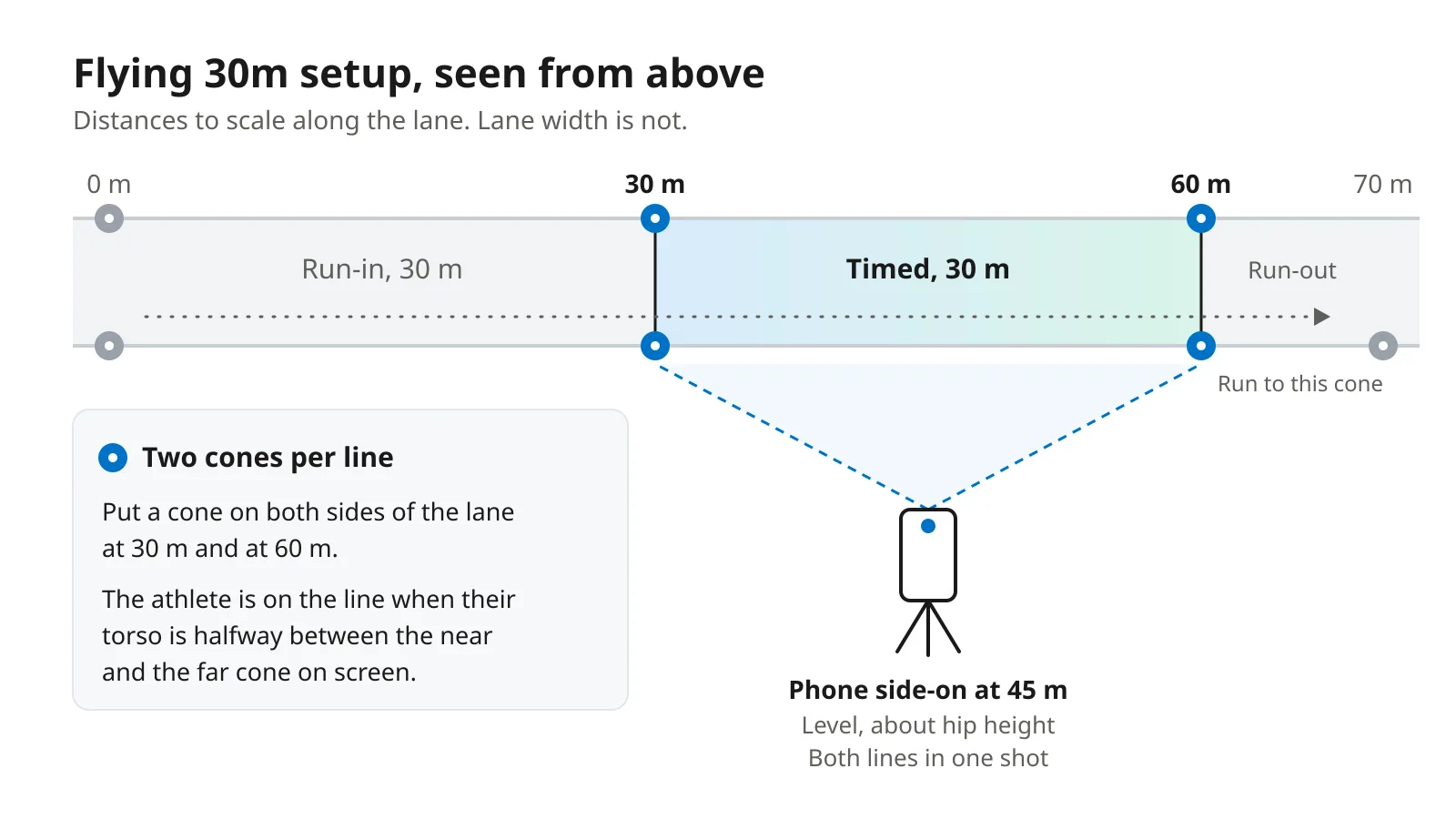
Measure 0, 30 and 60 metres along one lane. Put one cone or pole on each side of the lane at 30 m, and another pair at 60 m, exactly on the lines. A track lane is 1.22 metres wide under the World Athletics Technical Rules, so on a track the lane lines show you where the cones go. Place one more cone 10 metres past the finish and tell the athlete to run to that one. It stops them easing off just before the line.
Put the phone side-on to the lane, level with the middle of the timed stretch at 45 metres. Keep it level, at about hip height, so upright poles stay upright on screen. It must see both timing lines in the same shot, so you will need to stand well back. How far depends on your lens. Walk through the setup once while filming and check that both pairs of cones fit in the frame with some room to spare.
This is the easiest mistake to miss. If you only put a cone on the near side of the lane, the camera sees the athlete pass it at an angle. The athlete looks level with the 30 m cone a little before they reach the line. They look level with the 60 m cone a little after they pass it. So the stretch you time is longer than 30 metres.
The size of the error surprises people. Say the camera is 20 metres from the athlete, who runs in the middle of a 1.22 m lane. With one cone on the near side, the timed stretch becomes about 30.9 metres. A true 3.00-second run would read about 3.09 seconds. Put the single cone on the far side instead and the error flips, so the same run reads about 2.91 seconds.
The fix is the pair of cones. On screen, the athlete crosses the line when their torso is halfway between the near cone and the far cone. With the same 20-metre setup, that puts you within a centimetre or two of the true line. If you cannot place cones on both sides, keep your single-cone setup exactly the same every session. The error then stays the same size and your progress still shows. Your times just will not match anyone else's.
Count frames, not the clock in the video player. In a slow-motion clip, the player's clock can show the slowed-down time.
You do not have to count by hand. Several apps let you mark a start frame and an end frame and do the sum for you. One of them, MySprint, was tested against timing photocells with highly trained sprinters, and the two agreed almost perfectly, with a standard error of 0.007 to 0.015 seconds. A large review of sprint testing by Haugen and Buchheit in Sports Medicine lists high-speed video among the most accurate tools available, next to fully automatic timing and dual-beam timing gates.
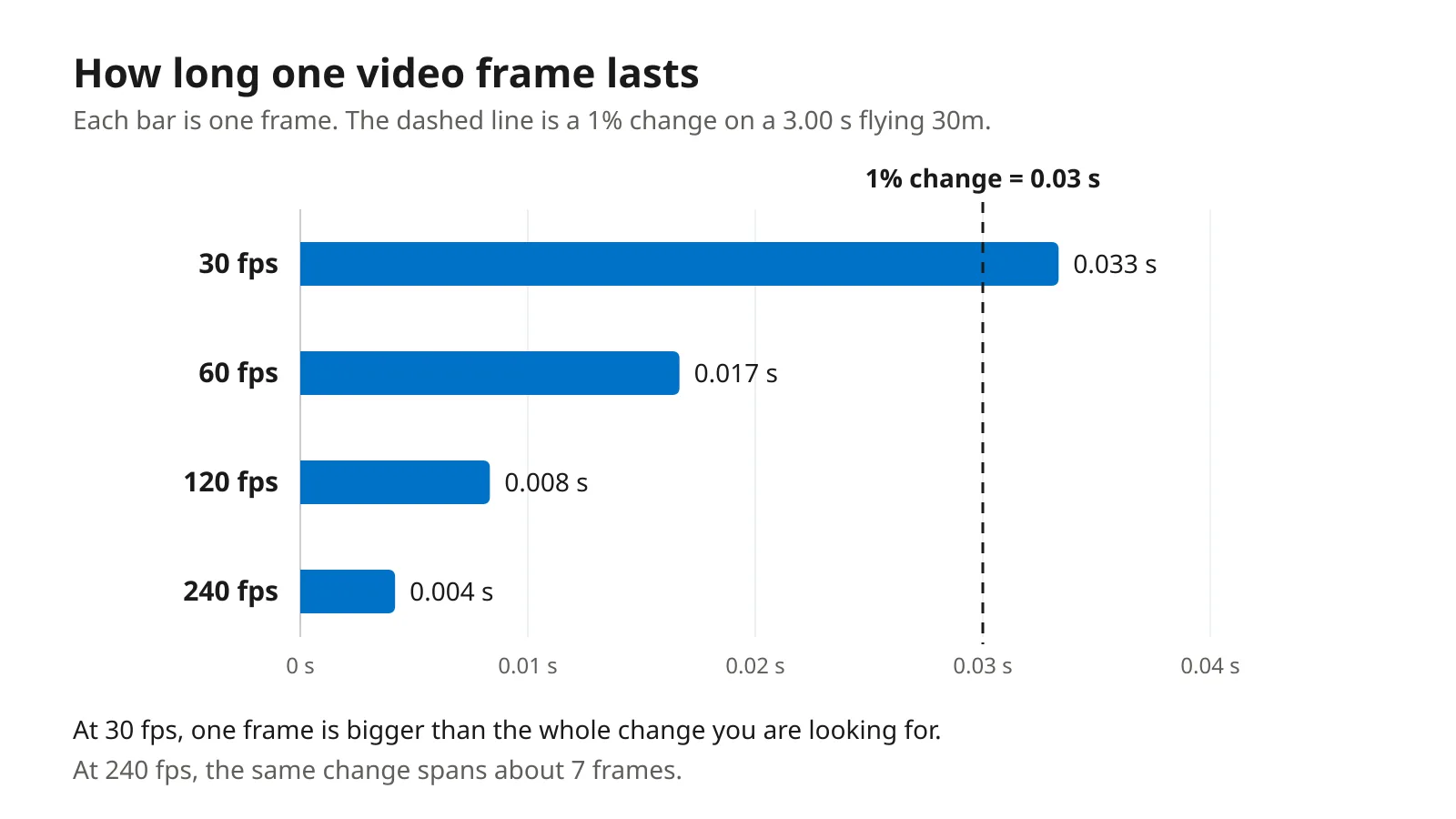
Each frame is a slice of time. At 30 frames per second, a frame lasts 0.033 seconds. At 60 it is 0.017, at 120 it is 0.008 and at 240 it is 0.004. You can be off by up to one frame at each end, so the frame rate decides how small a change you can trust.
Now compare that with the change you are looking for. The Haugen and Buchheit review puts the smallest worthwhile change in top sprint speed at about 1 percent in team-sport players. It also notes that well-trained athletes can spend years chasing a few hundredths of a second. On a 3.00-second flying 30m, 1 percent is 0.03 seconds. At 30 frames per second, a single frame is bigger than the whole improvement. At 240, the same improvement is about seven frames, and you can see it clearly.
A stopwatch is far worse. In a study of 59 college football players, hand timing was 0.31 seconds faster than electronic timing over 40 yards, on average. That gap is ten times the change you are trying to measure.
Your speed in metres per second is 30 divided by your time. Multiply that by 3.6 to get km/h.
| Flying 30m time | Speed (m/s) | Speed (km/h) |
|---|---|---|
| 4.00 s | 7.50 | 27.0 |
| 3.60 s | 8.33 | 30.0 |
| 3.30 s | 9.09 | 32.7 |
| 3.00 s | 10.00 | 36.0 |
| 2.80 s | 10.71 | 38.6 |
| 2.60 s | 11.54 | 41.5 |
Be careful when you compare your number with tables online or with a teammate's time. A different run-in, a different timing method or a different wind can move the time more than months of training. The most useful comparison is you against you, tested the same way.
A single flying 30m tells you little. A season of them, tested the same way, shows whether your training is making you faster. Keep these things fixed, and write them down when you cannot.
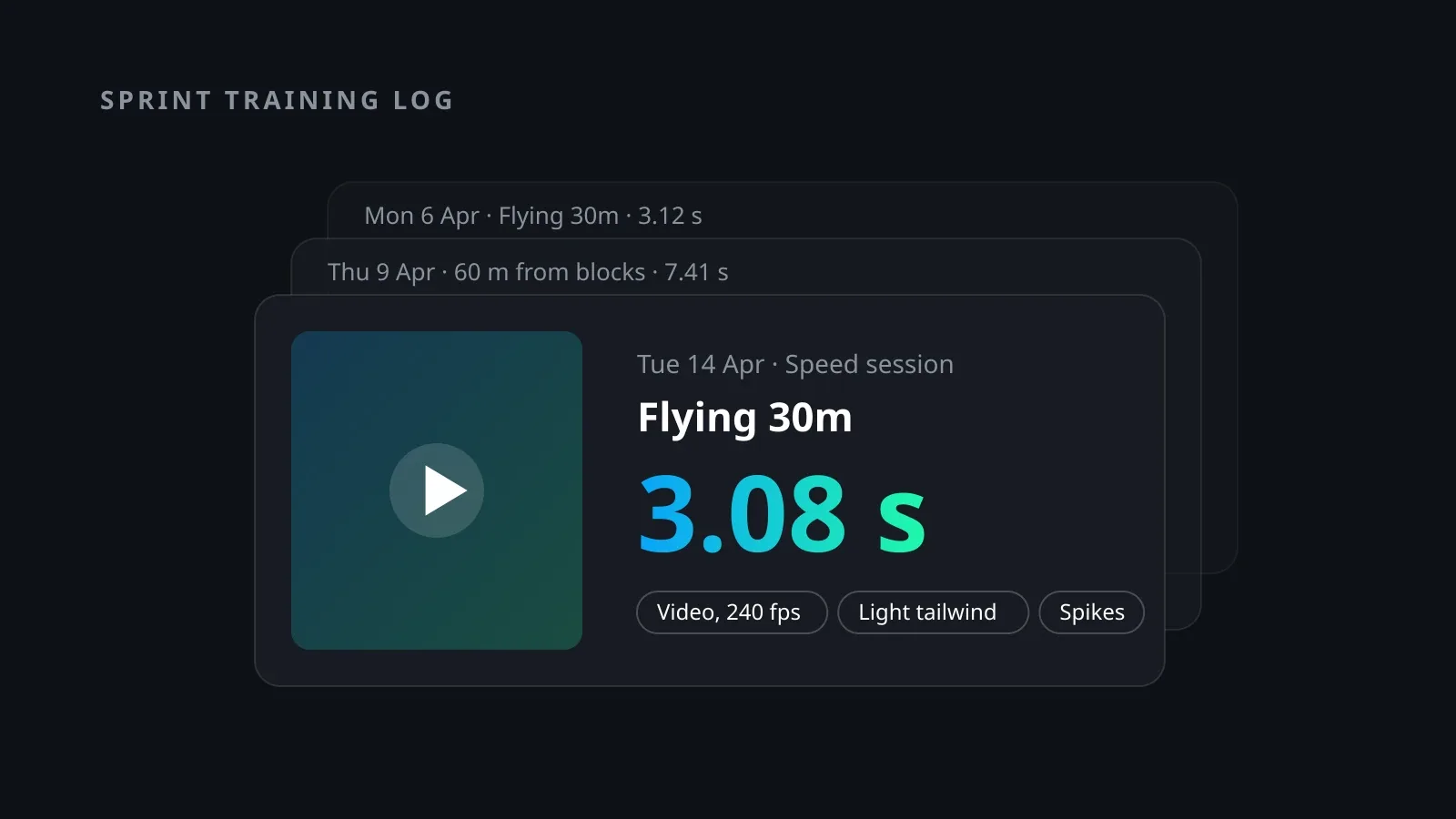
Then save each run together with its clip. A time on its own is easy to doubt later, especially a big jump forward. A time with the video next to it can be checked again a year from now: you can count the frames again and see the cones, the wind and the shoes. In Sploore, each run becomes a result with a number, a unit, a date and the video attached. Your flying 30m times line up in one progress chart, and tapping an old point takes you back to that run.
The flying 30m is a test, not a whole program. It works best inside a log that also records your other sessions, so you can see what happened in the weeks before a good or a bad result. Our guide to a sprint training log and what to record in it covers that side. If you also jump, top speed on the runway matters there too, and the same habits carry over to tracking long jump progress over a season.
When you are ready to test, set out the cones, film your runs and keep every time with its clip. Sploore is built for exactly that: log the time, attach the video and watch your top speed change over the season.
Your journey. Your progress. Track what matters to you.
Download SplooreA sprint log only helps if times can be compared. See what to record for every rep, why the timing method changes the number, and why video helps.
7 min read
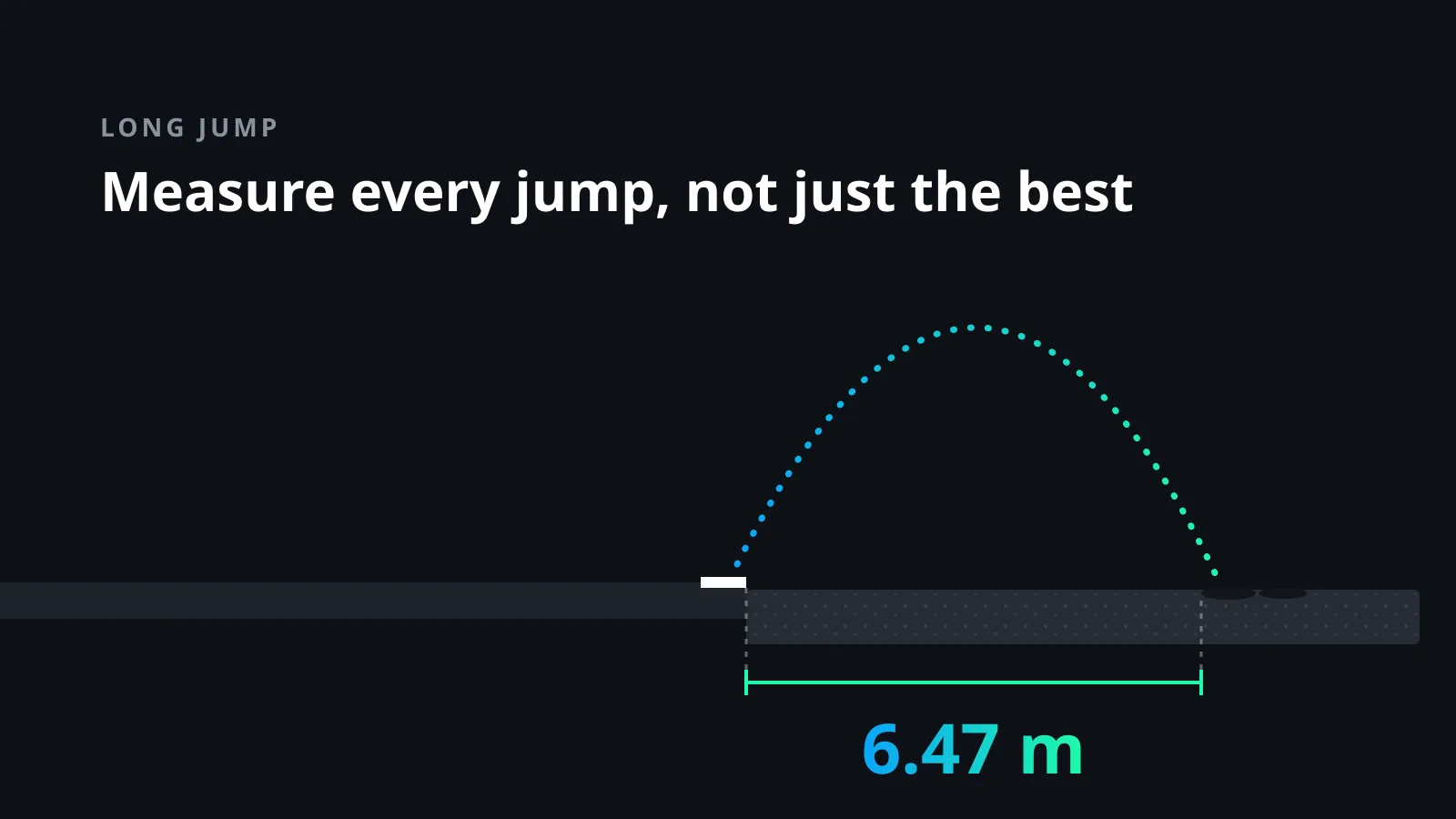
Your season best hides most of your progress. Learn to measure every jump, track board accuracy and wind, and see real long jump gains over a season.
8 min read
Workout videos get ignored because they show a moment, not progress. Here is why training clips get low views, and how measurable results change that.
3 min read